



Salesperson Performance & Coaching
Coach the conversations that help customers move forward.
A customer experiences the quality of the follow-up, not just the number of calls your team makes. TECOBI gives managers conversation context, available AI call summaries and team activity reporting to understand what happened and where a salesperson may need help. Use that context to make the next answer, handoff or appointment more useful to the customer.
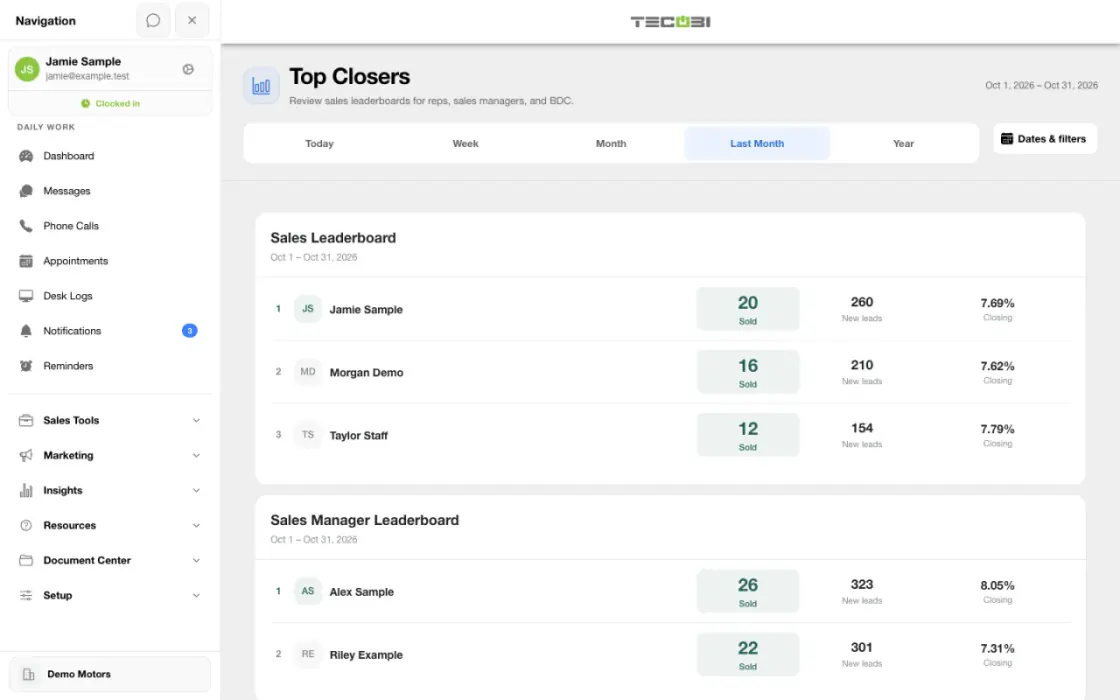
Turn a missed follow-up into a coaching conversation
A group of customers is waiting for a next step. Start from the underlying work before drawing conclusions about a salesperson.
- Find a specific signalChoose the date, dealership and measure that identifies the activity you want to review.
- Open the customer contextRead the conversation and compare the available activity before deciding what happened.
- Agree on the next actionCoach the salesperson on a concrete follow-up and check whether the work was completed.
What it helps you do
Find the context behind a call.
For supported processed calls, AI summaries, transcripts and call insights make it easier to identify topics worth reviewing. Managers can use the available recording or transcript to understand the conversation in more detail.
See activity alongside customer progress.
Available team reporting includes messages, calls, response-time measures and appointment outcomes. Review the relevant date range and staff activity together instead of treating volume alone as success.
Make coaching specific and useful.
Discuss a real question, missed handoff or unclear next step from the conversation. Agree on the follow-up that will help the customer, then use the customer record to continue the work.
Separate an attempt from a real conversation.
Compare outbound attempts, distinct customers called and calls marked as live conversations. Where tracking is available, Needs Call Wait adds context about how long a call-needed task waited during dealership business hours before a qualifying attempt.
Find the customers who may need a next step.
For eligible multi-store reporting users, Enterprise Overview highlights waiting replies, pending calls and new leads with no recorded text or call outreach. Open the permitted customer detail and use the conversation to decide how the team can help.
How it works
Start with a clear coaching question.
Use the relevant activity report or conversation view to identify what needs attention, such as slow responses, an unclear next step or a gap between appointments set and visits shown.
Review the conversation behind the signal.
Open the relevant customer thread or call. Where available, use the AI call summary and insights to orient the review, then check the recording or transcript before drawing conclusions.
Give the salesperson an actionable next step.
Use the customer’s actual questions to coach a better answer, handoff or follow-up. Continue from the customer record and review the resulting activity and outcome with the team.
Turn a waiting signal into a useful follow-up.
In Enterprise Overview, review Where attention matters for the selected dealerships. Open a waiting-reply, pending-call or no-outreach count, then review the customers you can access. Check the actual conversation before coaching or contacting the customer.
Setup and availability
Call insights depend on available recordings and processing; a transcript or summary may be delayed, partial or unavailable.
AI summaries, sentiment labels and scores can be mistaken. Managers should review the underlying conversation before using them to make judgments.
Conversation and reporting access follows the user’s permissions. Available metrics depend on the selected report, date range and recorded activity.
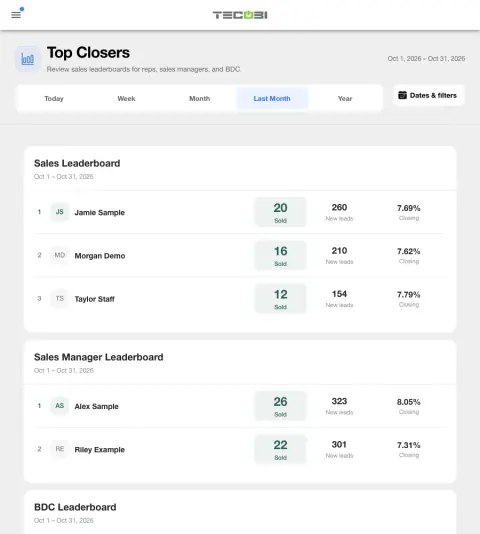
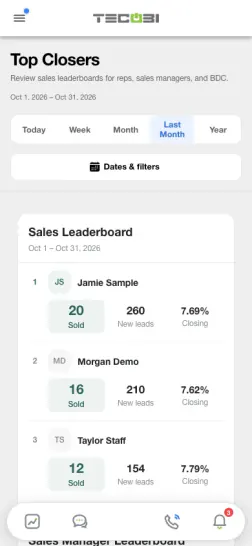
The screenshots use demonstration identities and figures. They do not establish a performance benchmark, a sales result or a live customer outcome.
Call-needed wait and assignment measures depend on recorded event history and tracking coverage. Missing tracking is not zero activity.
Activity and scoring labels are signals to review. They do not prove a successful conversation, an appointment or the cause of a sale.
Questions dealers ask
What can AI help managers see about a sales call?
Available call insights can include a summary, transcript, call type, emotion or sentiment labels, keywords and a score. These are aids to review, not a complete or infallible assessment of the customer or salesperson.
Is this the same as an AI making calls to customers?
No. This feature supports review of calls and conversations handled through the dealership’s workflow. AI-generated summaries and insights help a manager understand the recorded conversation; they do not mean an AI agent placed or handled that call.
Can a manager review text conversations as well as calls?
Authorized users can review the customer conversation and relevant call context within their access. Team activity reports help identify where to look. Available records and reporting depend on the user’s permissions and dealership setup.
What can team activity reporting show?
Supported reports include message activity, calls, average response or talk-time measures, touched leads and recorded appointment outcomes such as set, cancelled, shown and sold. Available metrics and their meaning depend on the report and selected date range.
Why might a call have no transcript or summary?
A call may still be processing, may have only a partial transcript, may not meet transcription requirements or may have encountered a processing problem. Some recordings or details may be unavailable. TECOBI support can help investigate; describe the call time and the screen status through the appropriate support channel.
Should a manager rely only on an AI score?
No. Use the available recording, transcript and customer context alongside the AI signals. A score or emotion label can be incomplete or mistaken, and activity counts alone do not explain the quality of the customer experience.
Does every completed or outbound call count as a customer conversation?
No. Team Call Activity separates outbound attempts, unique leads called and outbound calls marked as two-way conversations. Attempts can include voicemail or calls that never became a live conversation. Call scoring is a review aid; inspect the recording and context rather than assuming a completed provider status means the customer answered.
What does Needs Call Wait measure?
Where tracking is available, it measures business-hours time from a recorded call-needed flag to the first qualifying customer call attempt for that flag cycle. The report period follows when the flag was recorded. A completed task means an eligible attempt was recorded, not that the customer answered or booked an appointment. Unavailable or partial tracking is different from a wait of zero.
Does average SMS response time include every waiting customer?
The supported Team Activity average uses inbound messages in the selected period with a recorded response time. Certain system-style messages and STOP messages are excluded. An unanswered message without a recorded response time is not represented as an unlimited wait in that average. Review the waiting queue and actual conversations alongside the average.
Why can dealership totals differ from a salesperson’s credited sales?
Store totals and team counts can use different scopes and attribution rules. Team results follow the selected users and salesperson credit; activity in a period and credited sales in that period may involve different customers. Check the report definitions instead of assuming every activity count forms one customer conversion funnel.
What do Waiting for a reply, Pending calls and No recorded outreach mean?
These Enterprise Overview counts are a current snapshot. Waiting for a reply identifies an eligible inbound text waiting at least 15 minutes that has not been dismissed. Pending calls requires a current Needs Call flag with a known timestamp at least 60 minutes old. No recorded outreach covers new leads from the selected period, at least 15 minutes old, with no qualifying recorded outbound text or call attempt since arrival. Thresholds use elapsed time, including closed hours; the separate Needs Call Wait report uses business hours. Attention excludes paused, archived, opted-out and sold leads, and inactive or suspended stores. Categories can overlap, so do not add them as unique customers.
Do these attention counts mean AI has evaluated or contacted each customer?
No. Enterprise attention uses recorded activity and status rules to identify work worth reviewing. It does not establish conversation quality, send a follow-up or complete a task. Notification Activity is another view of team inbox state; a notification marked read is not proof that a salesperson contacted the customer.
ASK ME ABOUT IT
BETTER TOGETHER
Connect the next step.
Explore how these TECOBI solutions fit into your dealership’s workflow.