



Personal Video & Video Library
Answer the question a text cannot show.
A customer may need to see the cargo area, a vehicle detail or the person who will help them. Personal video gives your salesperson another way to make that conversation useful. TECOBI connects video sharing with the customer workflow and supports personal and account video libraries for reusable content. Your team can add a relevant video to the conversation, then review supported viewing activity to decide how to follow up with more context.
Show the detail a shopper asked about
If someone wants to see the third row or a specific feature, a short walkaround can answer the question from the conversation.
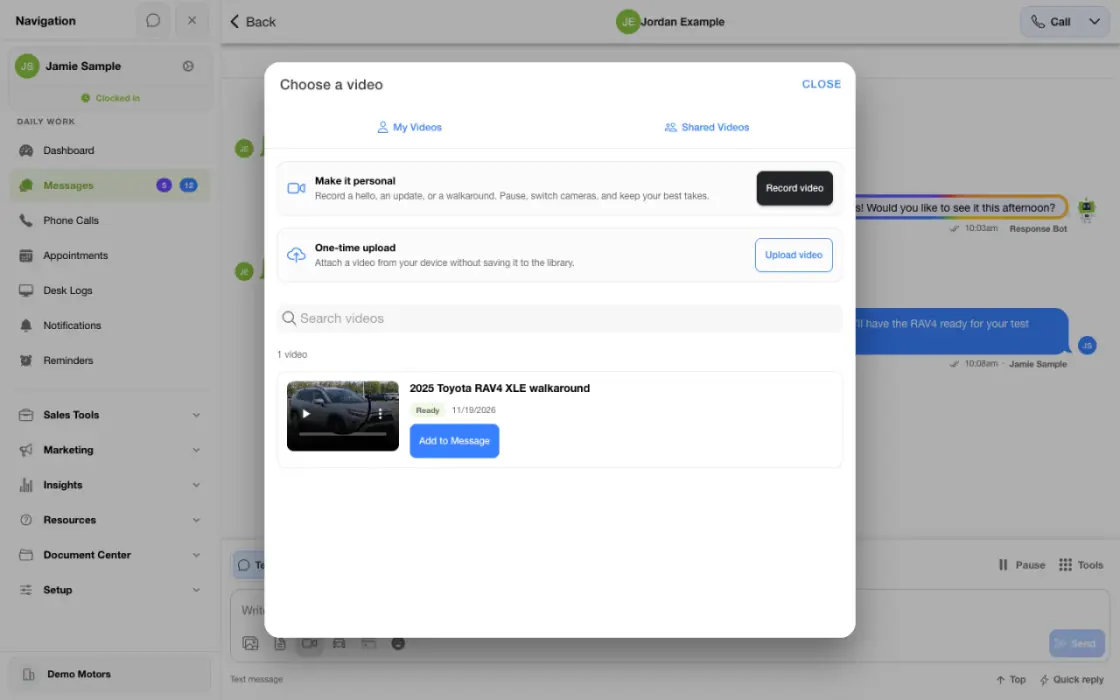
- Choose or record the videoUse a relevant saved recording or capture the detail the shopper asked to see.
- Review and shareCheck the preview and attach it to the right customer conversation.
- Follow up on the questionUse available engagement information to decide what detail to offer next.
What it helps you do
Make the explanation visual.
A short vehicle walkaround or personal introduction can address the customer’s actual question. The value comes from relevant help rather than sending the same clip to every shopper.
Organize reusable content.
Personal and account library workflows help teams manage videos for future conversations. Access and management depend on the user’s role and the video’s scope.
Keep video in the follow-up flow.
The video belongs with the customer interaction, close to the questions and next steps around it. Supported tracking adds useful context after it is shared.
Put a person behind the conversation.
Introduce the salesperson or explain the next step in a short personal video, focused on what the customer wants to understand.
Keep the useful takes.
The recording interface supports a take-based workflow with preview and retake controls, so staff can prepare a clearer explanation before using the video.
Use recorded activity to prepare the next reply.
Where detailed tracking is available, review the viewing activity and the customer’s response together. A video play adds context but does not establish a commitment to buy.
How it works
Choose a recording or library video.
Prepare a relevant personal recording, select reusable library content or use a supported one-time upload. Match the video to the customer’s actual question.
Review the video before sharing.
In the recording workflow, preview the takes and use retake controls where needed. Confirm the result and avoid including unrelated people or sensitive information.
Review supported engagement.
Open available tracked-send or library viewing details and use them alongside the customer’s reply to plan a helpful follow-up.
Setup and availability
Recording, library access and processing depend on supported devices, permissions and dealership setup. Personal and shared libraries follow the user’s access.
This overview covers recording, library use and sharing. Optional AI scripts, captions and editing tools require separate availability confirmation.
The Video Studio example uses demonstration footage. Viewing activity provides context for follow-up; it does not establish delivery or purchase intent.
Questions dealers ask
What kinds of videos can a salesperson use?
A walkaround, introduction, answer to a vehicle question or another relevant explanation can support the conversation. The content should match the customer’s need and the dealership’s policies.
Can the dealership keep reusable videos?
Yes. TECOBI includes personal and account video library workflows, with access and management controls based on the user and content scope.
Can we see whether the video was watched?
Supported tracked sends provide viewing information. Detailed analytics availability depends on the video and tracking context, so older counters should not be mistaken for a complete watch timeline.
Should every follow-up include a video?
Use video when it makes the next conversation more helpful. A relevant short explanation is more useful than adding media without a clear customer purpose.
Can we choose personal and shared videos?
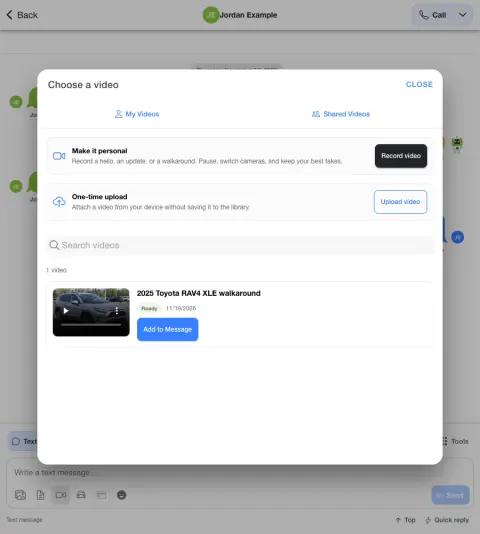
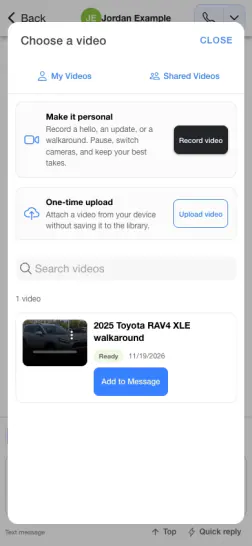
Yes. The supported video picker includes My Videos, Shared Videos and One-time upload choices. Personal and account library access follows the user’s permissions and the content’s scope.
Can we redo part of a recording?
The take-based recording interface includes preview and retake controls before using the result. Exact recording and processing tools depend on the supported device, browser and dealership configuration.
What if recording, upload or sharing fails?
Note whether the issue happened while recording, uploading, selecting a library item or sending. Include the device/browser and visible error when asking TECOBI support, and check required camera or microphone permissions when recording. Keep private customer footage and access links out of the public website chat. This guide cannot inspect the account or retry a real send.
ASK ME ABOUT IT
BETTER TOGETHER
Connect the next step.
Explore how these TECOBI solutions fit into your dealership’s workflow.