



Targeted Text Broadcasting
Start relevant conversations with the right audience.
An inventory update, event or return-customer message is more useful when it reaches the right people. TECOBI text broadcasting lets permitted users build a lead or customer audience, prepare a message and plan the send. Responses stay connected to the customer workflow so your team can help people who reply.
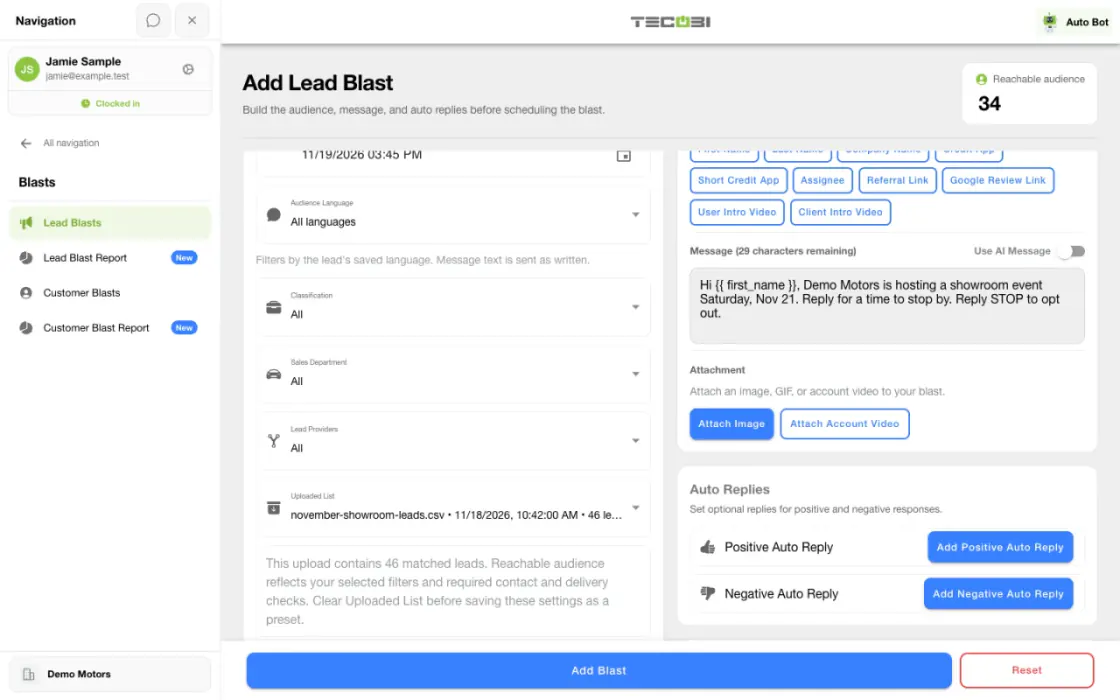
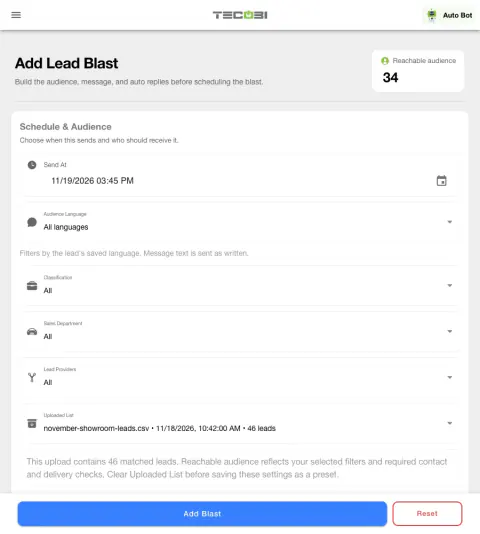
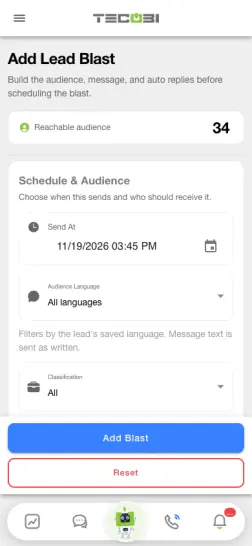
Review reachable customers before sending
Start with the selected audience and check the eligible count before scheduling a campaign. The preview gives the team a chance to review who should receive it.
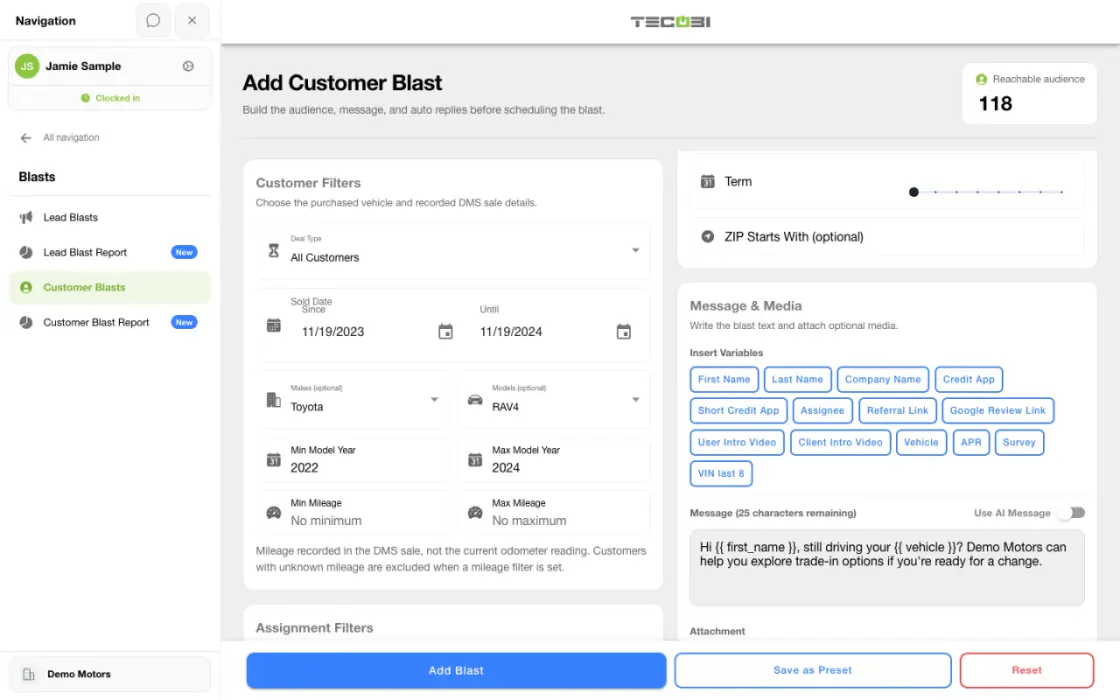
What it helps you do
Choose a relevant audience.
Available filters can narrow outreach by lead status, source, assignment, dates or vehicle interest, with customer campaigns using supported customer data.
Give the message useful context.
Use supported variables, saved presets and media. The optional AI message setting can generate individualized lead messages under the configured workflow.
Plan for what happens after the send.
Schedule the campaign with volume and pacing controls, then use the configured reply rules and customer conversations to handle responses.
How it works
Choose the campaign type.
Open the lead or customer broadcast workflow for the intended dealership.
Build and review the audience.
Apply relevant filters and review the reachable count, account limits and contact eligibility.
Prepare the message and response handling.
Review the wording, variables, media and applicable auto-reply rules. Choose any supported AI message option deliberately.
Schedule and review activity.
Set the intended time and pacing, then review the resulting campaign activity and respond to customers through their conversations.
Setup and availability
Campaigns follow account permissions, messaging eligibility, configured volume limits and available customer data.
Scheduling and pacing do not guarantee carrier delivery or customer response.
AI messages and reply automation depend on the selected workflow and settings.
Questions dealers ask
How is a broadcast different from Auto Bots®?
A broadcast is a campaign prepared for a selected audience and schedule. Auto Bots® provide configured proactive follow-up over time as opportunities move through the dealership’s workflow.
Why is the reachable audience smaller than my customer list?
Audience filters, account limits, number eligibility, opt-outs and other contact restrictions can exclude records. Recently contacted customers or leads marked not to receive broadcasts may also be excluded.
Can AI personalize broadcast messages?
The supported AI message option can generate a custom message for each selected lead. Available settings and customer context govern the workflow; using AI does not make an ineligible customer eligible to receive a text.
Is a scheduled or sent campaign the same as delivered messages?
No. Scheduling, sending, delivery, customer response and sales outcomes are separate events. Review the available campaign counts and individual conversation details before drawing conclusions.
ASK ME ABOUT IT
BETTER TOGETHER
Connect the next step.
Explore how these TECOBI solutions fit into your dealership’s workflow.