



Post-Sale Follow-Up
Stay connected after the vehicle is sold.
The sale is a milestone, not the end of the relationship. TECOBI can help your dealership follow up after a recorded vehicle sale with a configured message that references the customer and vehicle, giving your team a starting point for the next conversation.
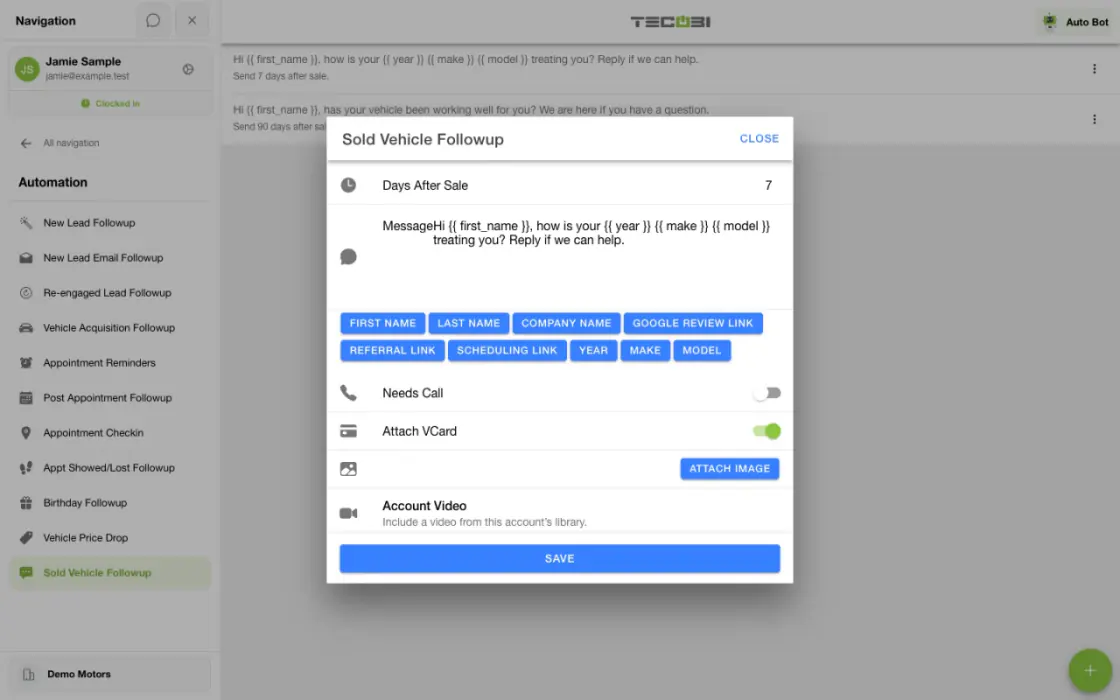
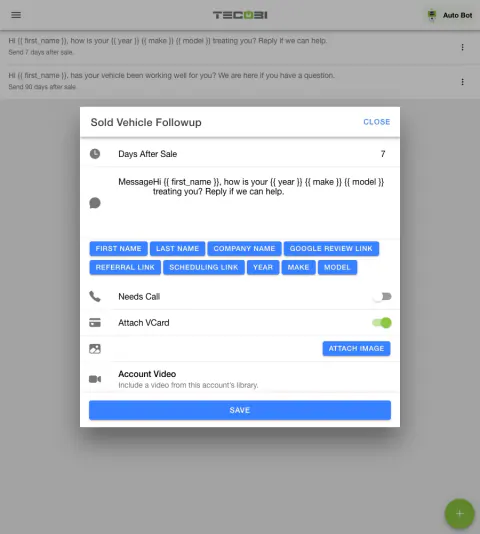
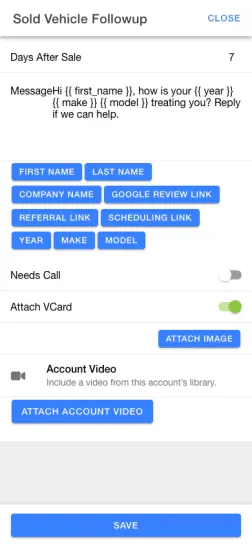
Keep a recently delivered vehicle in the conversation
The scheduled follow-up should use the details of the actual delivery and give the customer a useful way to get help.
- Confirm the sold recordCheck that the customer and vehicle details are correct.
- Review the scheduleSet the supported wait time and review the vehicle fields in the message.
- Give the customer a way backOffer the right contact for questions about their vehicle.
Make the check-in relevant
A useful follow-up can acknowledge the vehicle the customer purchased.
- Each configured step uses a positive number of days after the recorded sale and a dealership-written message.
- Available message variables include the customer’s first name, dealership and sold vehicle year, make and model when those details are available.
- The dealership can configure more than one step at different day offsets. Each active offset must be unique.
Start from a recorded sale
The workflow uses the sold vehicle and customer record as its source.
- The workflow looks for an eligible sold Desk Log linked to a customer and a sold vehicle with usable details.
- The recorded sale and sold vehicle must remain active when the follow-up is created; changes to a deal can affect eligibility.
- A paused or archived conversation, missing phone number or automation restriction can prevent a message. A recorded sale alone does not guarantee delivery.
Give your team the next conversation
A check-in can open the door for a useful human response.
- The dealership writes the template; this event-based follow-up is separate from AI Auto Bots.
- A customer’s reply stays connected to their TECOBI conversation for the team to review and continue.
- Configured timing, messaging eligibility and account operation affect whether and when follow-up occurs. Confirm your dealership setup with TECOBI.
Keep the relationship moving
Use the information you already have to follow through.
- For example, a configured check-in can ask whether a customer needs help after a vehicle purchase. This is an illustrative scenario, not a recorded message or a promised outcome.
- Review the customer’s response and connect them with the right person for their question.
- Accurate sold status and vehicle details help the team maintain useful context for future conversations.
Put the workflow into practice.
Choose a post-sale follow-up step and set the number of days after the sale.
Write the message and review the available customer, dealership and sold-vehicle variables.
Keep the sold Desk Log and vehicle details accurate so the configured workflow can identify eligible records.
Review customer replies in the connected conversation and take the next appropriate step.
Connected TECOBI tools
Questions dealers ask
What does TECOBI’s automotive CRM connect?
The lead workspace connects customer information, staff assignments, communication history and supported shopping steps. Auto Bots® provide proactive follow-up, Response Bot supports inbound text replies, and staff handle conversations that need a person.
How is this different from a CRM reminder?
A reminder asks a person to remember and complete the next touch. Auto Bots® can carry out configured proactive follow-up, while your team stays responsible for the relationship and decisions.
How are Response Bot and Auto Bots® different?
Auto Bots® handle proactive follow-up and reactivation. Response Bot handles inbound customer replies, decides whether AI should respond and routes the next action.
Setup and availability
Automotive CRM & Lead Management: setup and availability
Available tools depend on dealership configuration and user permissions.
Integration coverage varies by provider; TECOBI does not automatically synchronize every field with every CRM or DMS.
Pipeline and activity screens describe recorded work; they do not guarantee a sale or prove why it happened.
Survey access depends on dealership membership and user role or assignment. Automatic post-sale survey requests require enabled configuration and an active sending workflow; no universal schedule, delivery or response is promised.
Text Ninjas is an optional service. Confirm the service scope, coverage hours, handoffs and current pricing with TECOBI. No particular staffing ratio, response-time guarantee or managed phone service is promised here.
Auto Bots® Follow-Up: setup and availability
Auto Bots® handle proactive text follow-up. Inbound Response Bot replies, staff phone calls and this website’s Talk guide are separate workflows.
Your dealership’s audience, timing, hours and sending controls determine which conversations are eligible. Recent activity, customer restrictions and human handoffs can pause or change the next touch.
Authorized users can review and adjust the configuration. Follow-up and reporting help your team work opportunities; they do not guarantee a response or sale.
Event-triggered template automations are separate from AI Auto Bots. Each workflow has its own configuration, timing and eligibility checks; no universal cadence or identical inactivity rule applies to all of them.
AI Texting & Response Bot: setup and availability
Reply modes, delays, permissions and customer context determine when Response Bot runs. Connected inventory and appointment workflows depend on the dealership’s configuration.
Negotiation, finance decisions and questions requiring dealership judgment need a person. An AI answer is not a binding out-the-door quote or finance approval.
Dealership AI calling is not available yet. The website’s Talk guide explains TECOBI; it does not access private accounts or perform customer actions.
The example shows the shared conversation workspace with demonstration identities. It does not identify a particular message as AI-written.
ASK ME ABOUT IT