



Desk Log & Showroom Workflow
Keep the whole team aware of where the deal stands.
A car deal can move between text, a remote offer and a showroom visit. TECOBI Desk Logs give the team a place to record that activity alongside the customer, vehicle interests, notes and connected pencils. Managers can review the relevant activity without treating every visit or offer as a completed sale.
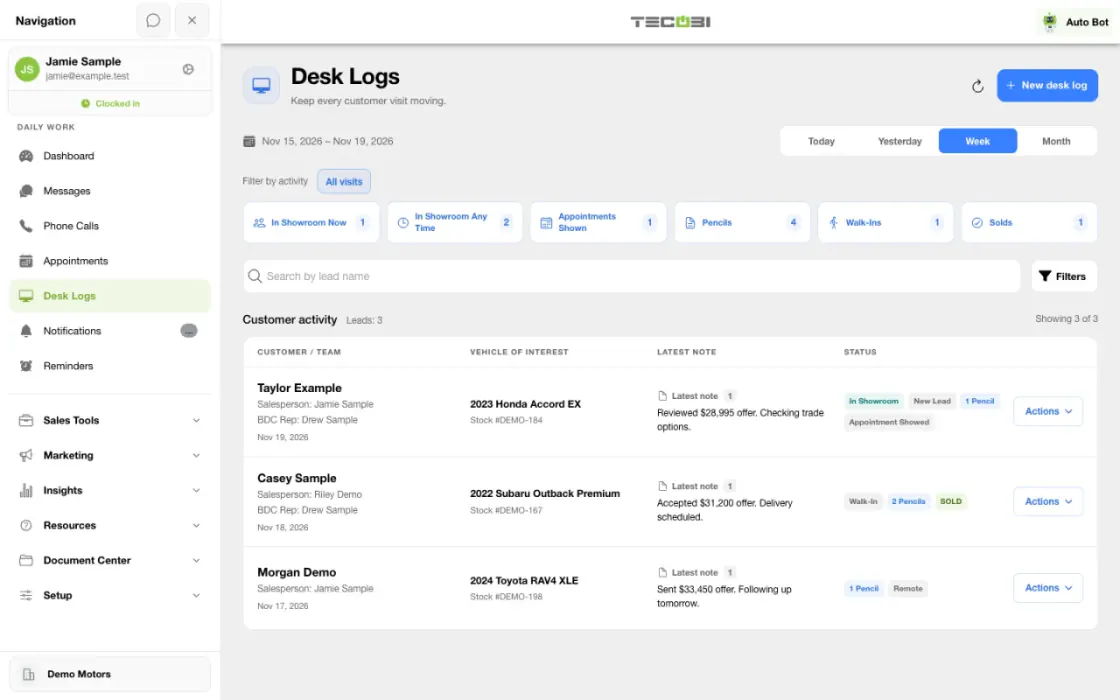
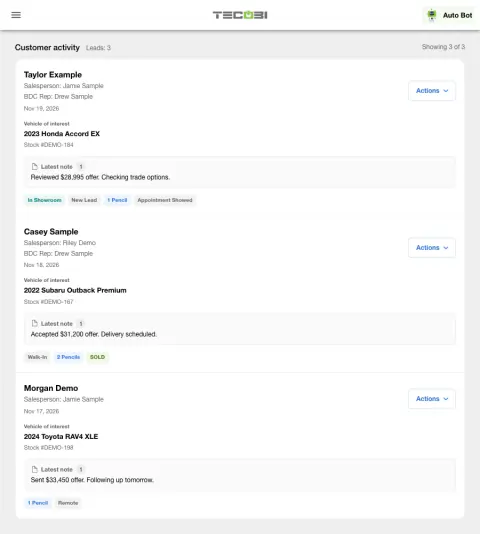
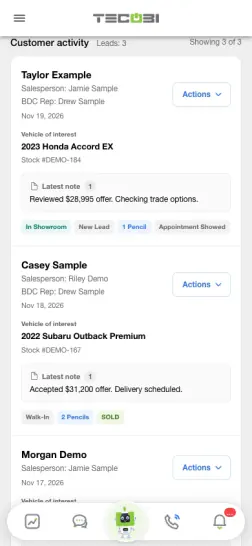
Keep a showroom visit visible while the deal moves
A customer arrives to review a vehicle with a salesperson. The Desk Log gives the working team a place to keep the deal state current.
- Open the working recordFind the customer and connect the correct deal and vehicle context.
- Update the deal as it changesRecord the relevant status and review available quote or desking work.
- Capture the actual outcomeRecord where the visit ended so the team has an accurate starting point for follow-up.
What it helps you do
Account for remote and showroom activity.
Separate remote activity, in-showroom indicators and other recorded steps so the team can understand how the customer is moving through the process.
Keep sales outcomes explicit.
Record the appropriate sold event and related details when the sale occurs. Those recorded outcomes support the relevant reporting and attribution workflows.
How it works
Find or create the appropriate Desk Log.
Use Desk Logs for the correct dealership and customer. Review existing activity before adding another entry.
Keep the deal context current.
Maintain the permitted team, vehicle, notes and process information as the customer’s situation changes.
Review the connected offer work.
Use the available pencil and customer actions to continue the deal with its recorded context.
Record the actual outcome.
Update showroom or remote activity and the sale outcome when appropriate. Use filters and summaries to review recorded activity over the intended period.
Setup and availability
Desk Log controls depend on dealership configuration and user permissions.
Visits, showroom flags, pencils and sold events are different measures and should be interpreted separately.
Reports depend on accurate recorded activity and the date range being reviewed.
Questions dealers ask
What is a Desk Log in TECOBI?
A Desk Log records a customer visit or deal activity. It can connect customer and vehicle context, staff, notes, process details and pencils while supporting management views of the work.
Can we track a deal before the customer comes in?
Yes. The workflow includes remote activity as well as showroom indicators, so a recorded deal does not have to begin with an in-person visit.
Is a Desk Log the same as a pencil?
No. A pencil is the deal worksheet or offer. A Desk Log tracks customer and deal activity and can show connected pencils.
Does marking a deal sold also prove an appointment showed?
No. Sold outcomes, customer status, showroom indicators and appointment outcomes are separate recorded facts. Keep each relevant field accurate instead of using one as a substitute for another.
Why can I not change a Desk Log or see an action?
Desk Log access and actions follow your role and dealership configuration. If an expected control is unavailable, ask your manager or TECOBI support to review the account’s permissions.
ASK ME ABOUT IT
BETTER TOGETHER
Connect the next step.
Explore how these TECOBI solutions fit into your dealership’s workflow.