
Prospect activity should be visible beyond the message thread.
When TECOBI creates or works a prospect, the DMS can need contact details, vehicle interest, and notes for operational visibility.
 DMS
DMS DMS workflow
LightSpeed DMS support gives dealerships a way to push TECOBI-managed prospect activity into the DMS when the store needs stronger operational visibility than messaging alone provides.
DMS writeback
When a store needs prospect activity in the DMS, contact details, vehicle interest, preferred contact method, and notes have to move cleanly.
When TECOBI creates or works a prospect, the DMS can need contact details, vehicle interest, and notes for operational visibility.
Submission logging helps teams see response status and returned identifiers for audit and troubleshooting.
The goal is to keep customer communication and store reporting aligned instead of splitting them into separate systems.
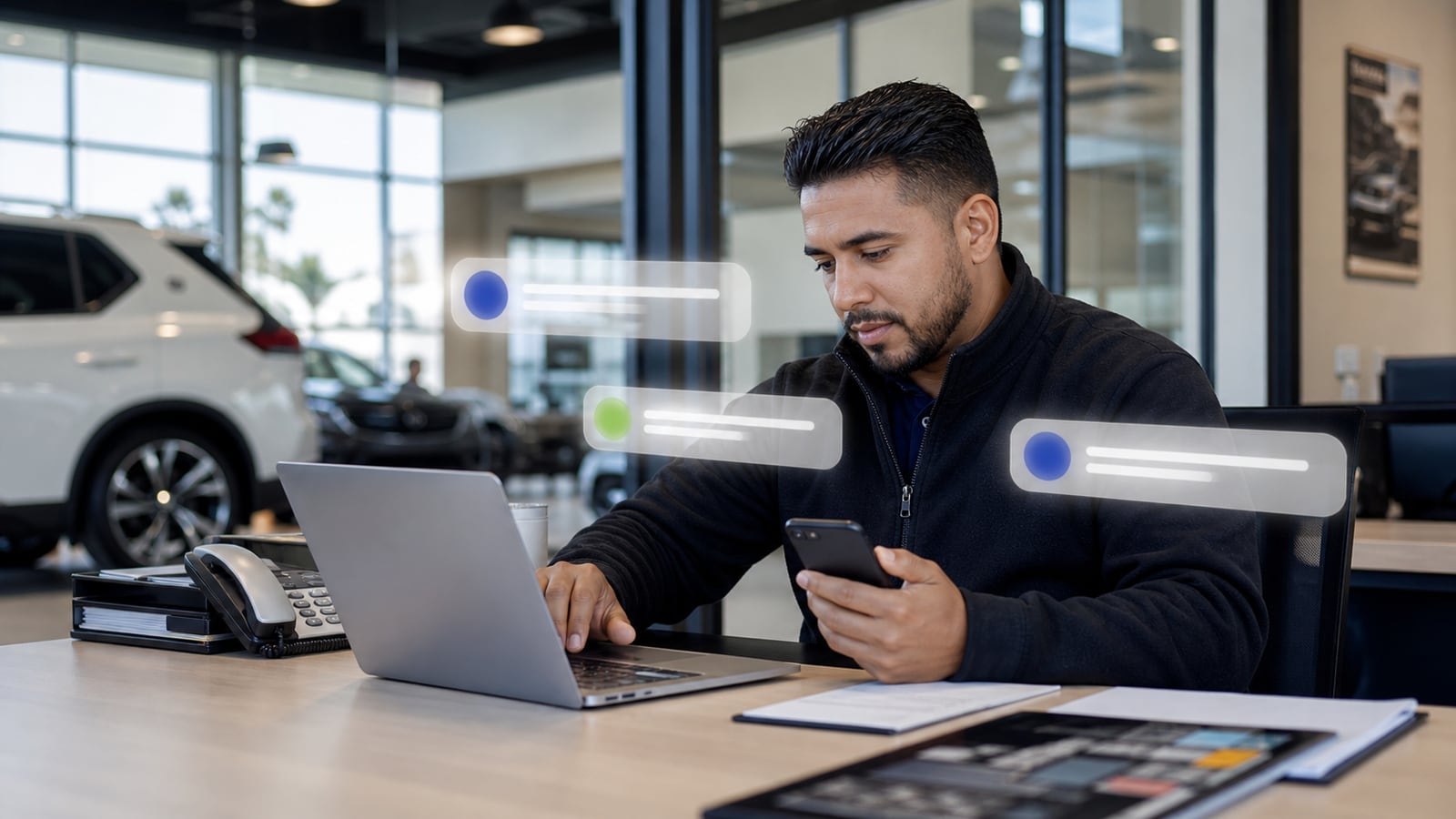
Prospect visibility
TECOBI can support LightSpeed AddProspect XML payloads, workflow triggers, submission logging, response status, and returned identifiers.
Integration architecture
The integration packages useful customer and vehicle context, creates the Lightspeed prospect, and records the returned identifier for store visibility.
Prepare
TECOBI assembles customer contact details, address, vehicle interest, preferred contact method, and conversation context.
Submit
The dealership-specific record is sent through the Lightspeed AddProspect workflow.
Confirm
TECOBI records the submission result and returned PCH ID on the lead timeline when the push succeeds.
Connected data
LightSpeed path
The workflow should keep customer communication and store visibility aligned without asking teams to duplicate entry.
When TECOBI creates or works a prospect, the DMS can need contact details, vehicle interest, and notes for operational visibility.
Submission logging helps teams see response status and returned identifiers for audit and troubleshooting.
LightSpeed AddProspect XML payload support. Contact data, preferred contact method, vehicle interest, and notes.
Lead or chat workflow trigger support. Submission logging with response status and identifiers.
TECOBI fit
LightSpeed AddProspect XML payload support.
Contact data, preferred contact method, vehicle interest, and notes.
Lead or chat workflow trigger support.
Submission logging with response status and identifiers.
Proof path
Payload support, identifiers, response status, and notes give the store better accountability around prospect writeback.
Next pages
FAQ
Available prospect push. Implemented as a TECOBI lead-to-prospect handoff for configured LightspeedDMS dealerships.
Customer name and contact details. Address and preferred contact method. Vehicle year, make, model, and condition. Lead source and assignment notes. Submission response and errors. Returned Lightspeed PCH ID.
This is a one-way prospect push, not a full two-way CRM synchronization. It creates a LightspeedDMS prospect from a TECOBI lead and records the submission result.
Google reviews
Synced Google reviews add public customer voice around TECOBI support, follow-up coverage, handoffs, and day-to-day impact.
Highest-rated automotive vendor on Google
Pulling the latest Google review signal from TECOBI’s Google Business Profile.