
eLead activity should stay connected to follow-up.
Customer creation, updates, opportunity creation, and delta-search workflows help AI coverage see current dealership activity.
 CRM
CRM CRM integration
For stores running eLead through Fortellis, TECOBI can stay inside customer, opportunity, activity, and appointment workflows instead of forcing teams to reconcile a separate AI system by hand.
eLead workflow
Customer updates, opportunities, activity, appointments, and webhooks all matter when AI communication is part of the store process.
Customer creation, updates, opportunity creation, and delta-search workflows help AI coverage see current dealership activity.
Fortellis activity endpoints and webhook processing help support appointment scheduling, completion, and state sync.
The integration is built so AI-managed conversations can remain part of the same CRM operating model.
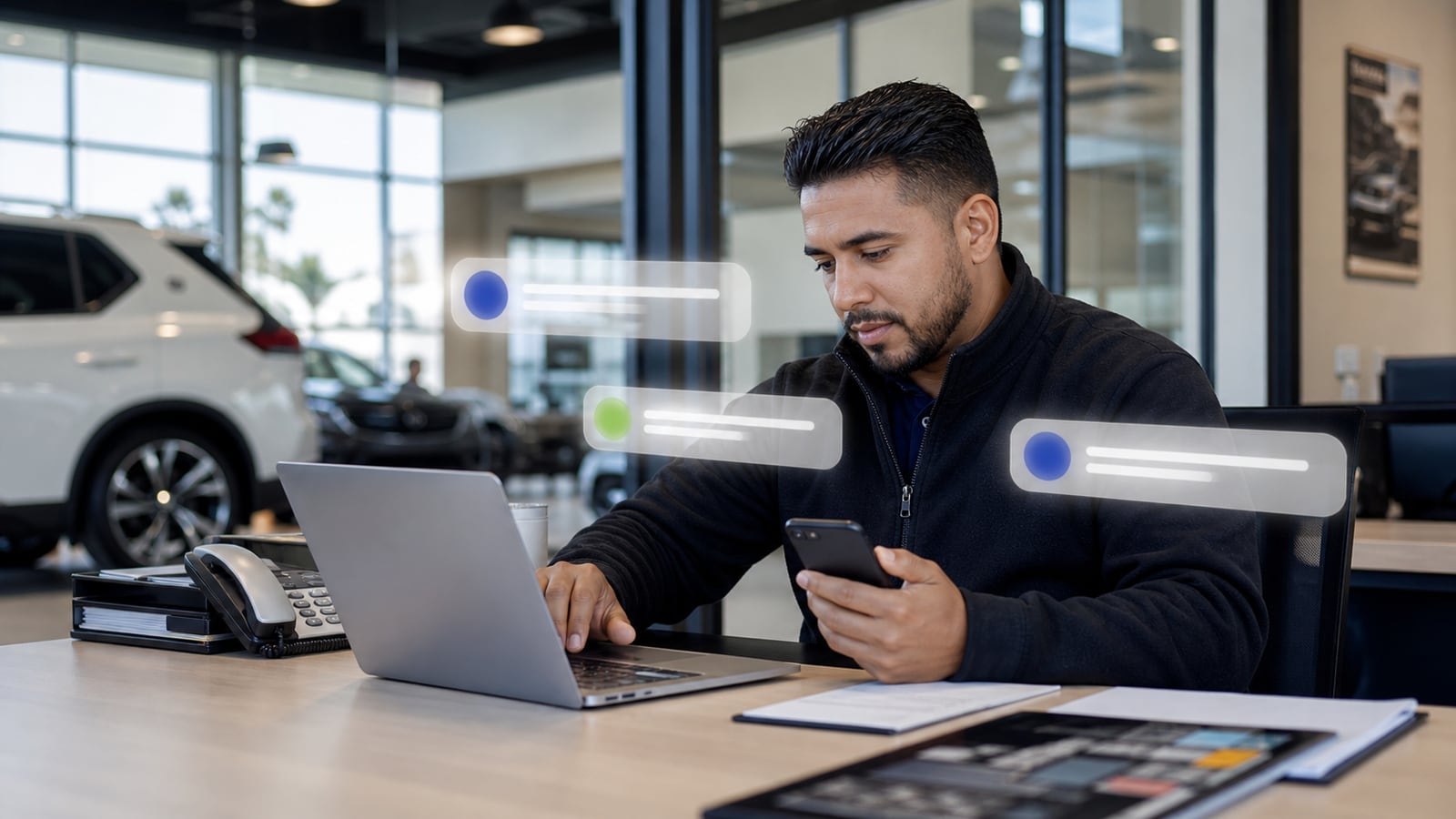
Lifecycle sync
TECOBI can support customer and opportunity workflows, activity sync, appointment lifecycle events, and CRM-visible context through Fortellis.
Integration architecture
Fortellis connects eLead opportunities and customer records to TECOBI, then carries important appointment and activity changes back into the CRM lifecycle.
Inbound
TECOBI can poll recent opportunity changes, fetch the related customer, and create or link the local lead with source and vehicle context.
Record creation
When a CRM record is needed for writeback, TECOBI can create the customer and opportunity and retain the relationship for later activity.
Writeback
TECOBI can update appointment lifecycle activity, completed calls, selected email activity, and customer text preferences.
Connected data
Fortellis path
The integration should help the CRM, the AI layer, and the team describe the same customer state.
Customer creation, updates, opportunity creation, and delta-search workflows help AI coverage see current dealership activity.
Fortellis activity endpoints and webhook processing help support appointment scheduling, completion, and state sync.
Customer and opportunity workflow support. Delta-search and event-driven activity sync.
Appointment state handling. CRM-visible context from AI-managed follow-up.
TECOBI fit
Customer and opportunity workflow support.
Delta-search and event-driven activity sync.
Appointment state handling.
CRM-visible context from AI-managed follow-up.
Proof path
Useful proof highlights lifecycle sync, appointment visibility, activity context, and reduced manual reconciliation.
Next pages
FAQ
Available integration. Implemented through Fortellis Sales APIs for enabled eLead dealership subscriptions.
Recent eLead opportunity polling. Customer and opportunity creation. Vehicle and trade context. Appointment schedule and status changes. Completed call and selected email activity. SMS opt-out preference updates.
eLead remains the official CRM record. TECOBI avoids marking a no-show as a completed upstream appointment because that could create inaccurate showed activity in Fortellis reporting.
Google reviews
Synced Google reviews add public customer voice around TECOBI support, follow-up coverage, handoffs, and day-to-day impact.
Highest-rated automotive vendor on Google
Pulling the latest Google review signal from TECOBI’s Google Business Profile.