
History questions show up inside active conversations.
Ownership, accident, and report-link questions should not force the rep into a disconnected lookup process.
 Vehicle history
 Vehicle history
Vehicle-history questions can slow a conversation down when reps have to leave the workflow. TECOBI can keep CARFAX context closer to inventory search, modal flows, and customer messaging.
Vehicle history
CARFAX context is useful when ownership history, accident questions, and report links can support the conversation without breaking workflow.
Ownership, accident, and report-link questions should not force the rep into a disconnected lookup process.
CARFAX links, icons, and ownership flags help make vehicle-history data easier to use during customer follow-up.
Backend CARFAX FTP jobs can support dealer and VIN-list file exchange for refreshed vehicle-history context.
Inventory trust
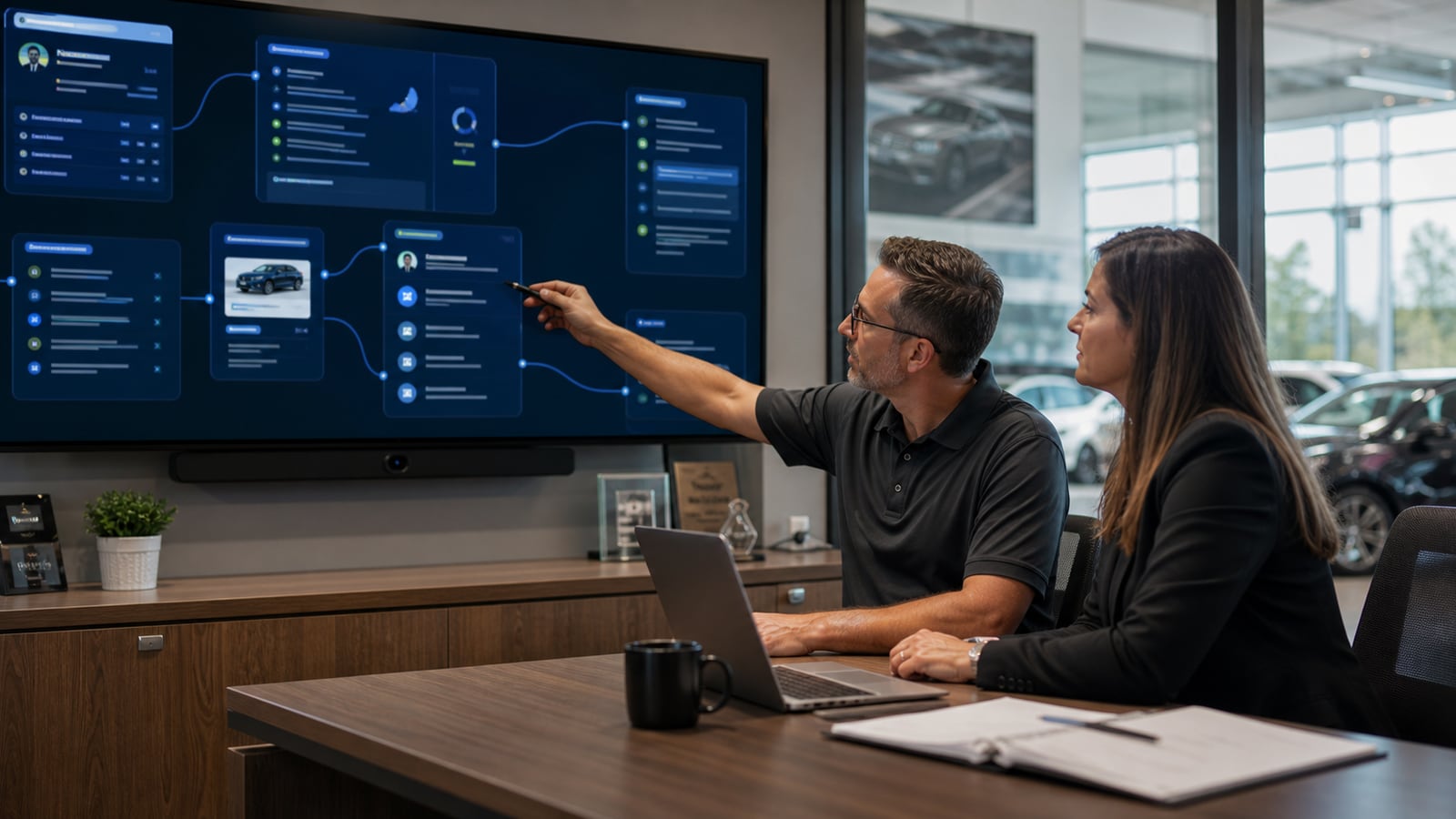
TECOBI can keep CARFAX links, icons, ownership flags, VIN-list refreshes, and report context closer to inventory and messaging flows.
CARFAX path
The workflow should help the team keep trust-building information close to the customer conversation.
Ownership, accident, and report-link questions should not force the rep into a disconnected lookup process.
CARFAX links, icons, and ownership flags help make vehicle-history data easier to use during customer follow-up.
CARFAX links and icons attached to inventory records. Ownership flags and vehicle-history context available from inventory flows.
Dealer and VIN-list file exchange support. Sendable report context during customer messaging.
TECOBI fit
CARFAX links and icons attached to inventory records.
Ownership flags and vehicle-history context available from inventory flows.
Dealer and VIN-list file exchange support.
Sendable report context during customer messaging.
Proof path
Report context, inventory records, and customer messaging work together when vehicle-history questions become part of the buying conversation.
Next pages
FAQ
Vehicle-history questions can slow a conversation down when reps have to leave the workflow. TECOBI can keep CARFAX context closer to inventory search, modal flows, and customer messaging.
Ownership, accident, and report-link questions should not force the rep into a disconnected lookup process. CARFAX links, icons, and ownership flags help make vehicle-history data easier to use during customer follow-up.
No. TECOBI is designed to work around the systems dealerships already use. The goal is to keep AI-managed communication connected to the store's workflow, not to replace the system of record.
Google reviews
Synced Google reviews add public customer voice around TECOBI support, follow-up coverage, handoffs, and day-to-day impact.
Highest-rated automotive vendor on Google
Pulling the latest Google review signal from TECOBI’s Google Business Profile.