
Most automotive chat software can put a widget on a dealership website. That is not the hard part anymore. The harder question is what happens after the first exchange: does the customer’s vehicle interest, service need, timing, trade question, or appointment intent stay alive, or does the store make the customer start over in a new thread? For sales managers and fixed ops leaders, that is the real comparison.
A chat tool should not be judged by whether it can answer a greeting. It should be judged by whether it carries the conversation forward into the next operational step: a salesperson response, a service appointment, a manager review, a nurture sequence, or a clean handoff to a human. This guide compares automotive chat software by workflow continuity, not widget design. The goal is to help you separate lead capture tools from systems that actually preserve customer context and ownership after the first reply.
The comparison that matters: does the chat keep the customer’s current state?
When a shopper asks about a vehicle, payment, trade, availability, service timing, or appointment options, the store has learned something useful. Weak chat workflows treat that information as a transcript that someone may read later. Stronger workflows treat it as current state: what the customer wants, where the conversation sits, who owns the next step, and what should happen if the customer replies again. That distinction matters because dealership conversations rarely finish inside one web chat.
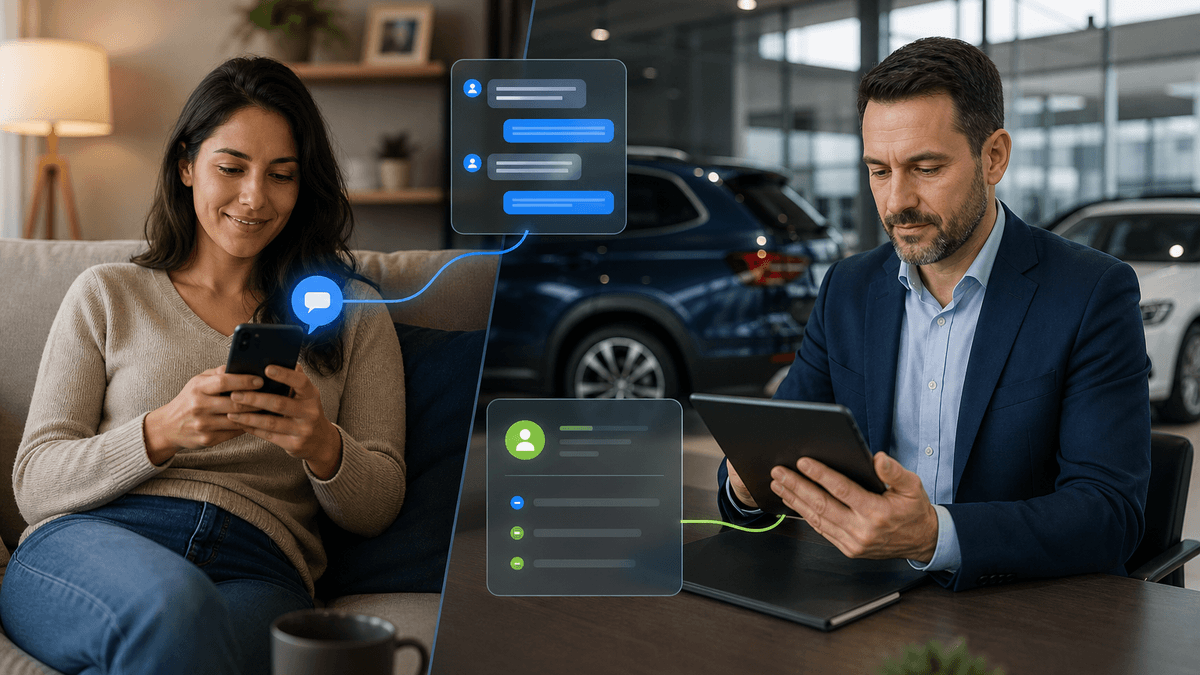
A sales lead may start on the website, continue by text, get touched by a manager, and reappear after hours. A service customer may ask a quick question, need scheduling help, then require advisor follow-up. If every channel behaves like a fresh start, your team spends too much time rediscovering information the customer already gave you. For TECOBI, this is why Response Bot sits inside a broader AI CRM operating layer rather than acting like an isolated website widget.
Inbound replies are handled as part of the customer conversation, with the ability to route toward human handoff when the situation calls for it. Managers should evaluate any automotive chat software the same way: not just “Can it answer?” but “Can it keep the next step from getting lost?”
- Vehicle context: Does the tool preserve the unit, model, trade, or payment topic the customer asked about?
- Conversation state: Can staff see what has already happened without digging through disconnected notes?
- Next-step ownership: Is it clear whether AI, BDC, sales, service, or a manager owns the next action?
- Channel continuity: Can the conversation continue beyond the website chat without resetting the customer?
- Escalation logic: Does the tool know when a human should take over instead of forcing automation? "Chat handled" is not the same as "conversation advanced."
Four categories of automotive chat software, compared by continuity
Automotive chat tools tend to look similar in demos because every demo starts with a customer message and a fast answer. The operational differences show up after that first answer. Here is the more useful comparison for managers. A basic website chat widget captures the visitor and may answer simple questions, but continuity usually depends on whether a staff member reads the transcript and updates the CRM.

It may create a lead, but it does not necessarily own the next step. A managed chat or outsourced chat service can improve live coverage, especially during busy hours, but the dealership still needs to inspect how context moves back into the sales or service workflow. If the handoff arrives as a summary without clear ownership, the customer can still experience a restart. A CRM-native chat feature can keep more information near the customer record, which is useful.
The risk is that the chat becomes another logged activity instead of a workflow that actively moves the conversation. If the system creates a task and waits for someone to clear it, continuity still depends on staff capacity. An AI CRM conversation layer, such as TECOBI, should be evaluated differently. The point is not just that automation replies.
The point is that inbound handling, proactive follow-up, routing, reminders, and human takeover live in one operating workflow. That is the difference between documenting a chat and carrying a customer forward.
- Website widget: easy to install, but often shallow after capture.
- Managed chat desk: better coverage, but handoff quality varies by process.
- CRM-native chat: closer to the customer record, but may still become passive documentation.
- AI CRM conversation layer: built to preserve state, continue follow-up, and route the next action.
- Best-fit test: ask each vendor to show a real handoff path after the customer replies twice, not just the first response.
For sales teams, the winner is the tool that prevents the second restart
Sales managers should ask a blunt question during every chat software evaluation: when a shopper asks about a specific vehicle, who owns the next move? If the chat tool only says “someone will be in touch,” you have not gained much operational leverage. The useful version should preserve the unit or inventory context, identify whether the customer needs price, availability, trade, credit, or appointment help, and then route the next step without forcing a salesperson to reconstruct the entire story.
This becomes especially important when a customer replies after hours or after the original salesperson has moved on to another deal. A good workflow should not punish the customer for responding at an inconvenient time. It should recognize that the reply is part of an existing conversation and make the current state visible to whoever picks it up. That is where inbound handling and human handoff need to work together.
Automation can cover the first response and routine routing, but managers still need a clean path for moments that require judgment: pricing nuance, a trade appraisal, a credit concern, a frustrated customer, or a hot appointment request.
- Ask vendors to show how a vehicle-specific question appears to staff after the chat.
- Check whether the next owner can see the conversation without opening multiple systems.
- Look for routing rules that distinguish high-intent buyers from general browsers.
- Verify that after-hours replies do not become orphaned transcripts.
- Make sure a manager can see unresolved conversations, not just total chat volume.
Fixed ops leaders need continuity, not just coverage
Fixed ops teams face a different version of the same problem. A service customer does not care whether the original question came through chat, text, a scheduler, or a call. They care whether the dealership remembers the issue and helps them get to the right next step. A weak chat process captures “customer asked about service” and leaves the advisor to figure out the rest.
A stronger process carries forward the reason for contact, urgency, scheduling intent, and whether the customer needs a human response before booking. That is especially important when service lanes are busy and advisors are balancing in-person customers with digital replies. For fixed ops leaders, the comparison should include scheduling continuity. If chat can answer a question but cannot connect the customer to appointment scheduling, reminders, or advisor follow-up, it may create a new bottleneck instead of solving one.
The goal is not to automate every service conversation. The goal is to make sure the next action is clear and owned.
- Can the tool separate service questions from sales opportunities?
- Can it preserve the concern or requested service before the advisor engages?
- Can it connect the customer to scheduling without losing the prior context?
- Can staff see whether a service reply still needs a human response?
- Can managers review appointment-related conversation health instead of only appointment totals?
Reporting should show conversation health, not just chat volume
A chat vendor can show attractive engagement reports and still leave managers blind to the work that matters. Total chats, first response time, and lead count are useful, but they do not prove continuity. They tell you activity happened. They do not tell you whether the customer advanced.
For a dealership, better reporting asks operational questions. How many inbound replies needed human takeover? How many appointment requests were routed cleanly? Which sources created conversations that stayed active?
Where did customers stop responding? Which conversations are unresolved right now? This is where a chat tool should connect to reporting instead of floating as its own dashboard. Sales managers and fixed ops leaders need visibility into conversation health across response, follow-up, appointment activity, and handoff performance.
If the tool cannot show what happened after the chat, it will be hard to manage as anything more than a front-end lead capture box.
- Measure unresolved conversations, not only completed chats.
- Separate inbound reply handling from proactive follow-up results.
- Review handoff volume and handoff speed by team or workflow.
- Inspect appointment requests that did not become confirmed appointments.
- Compare sources by conversation quality, not only raw lead count.
A practical buying scorecard for automotive chat continuity
Use this scorecard when comparing automotive chat software. It will keep the conversation focused on operating value instead of demo polish. First, ask each vendor to show the same scenario: a customer asks about a vehicle, replies again after hours, wants an appointment, and then needs a human answer. Watch whether the system preserves the original context or starts creating separate fragments.
Second, ask who owns every state. If the AI replies, who watches exceptions? If a human takes over, does automation stop or continue appropriately? If the customer goes quiet, does follow-up continue?
If the customer returns days later, does the team see the prior context? Third, look at the manager view. A tool that only helps the person chatting is not enough. Managers need to see open loops, overdue handoffs, appointment movement, and source quality.
Otherwise, chat becomes one more channel that feels busy but is hard to coach. Finally, decide whether you are buying a widget, a staffed chat lane, a CRM feature, or an operating workflow. There is nothing wrong with a simple widget if all you need is basic capture. But if your dealership is trying to keep sales and service conversations moving without constant restarts, continuity should be the buying standard.
- Context: What exact customer details survive the first exchange?
- Ownership: Who or what owns the next step at every stage?
- Routing: Can the system distinguish sales, service, appointment, trade, and manager-needed situations?
- Persistence: What happens if the customer does not answer right away?
- Handoff: Can a human enter without making the customer repeat the story? Visual polish matters less than operational proof.
Where TECOBI fits: inbound chat as part of the operating layer
TECOBI’s view is simple: a chat tool is only as useful as the workflow it hands into. Fast response matters, but fast response without memory creates more work for the store. Customers notice when they have to repeat the same vehicle, concern, appointment need, or timing window. Staff notice when every reply becomes another disconnected task.
Response Bot is built for inbound handling inside TECOBI’s AI CRM operating layer. That means inbound replies are not treated as isolated chat events. They can be connected to ongoing follow-up, appointment movement, reporting, and human handoff. For a sales manager or fixed ops leader, the value is operational: fewer restarts, clearer ownership, and a better chance that the next customer reply actually moves somewhere.
If you are comparing automotive chat software, do not end the demo at the first answer. Push the scenario forward. Make the customer reply again. Make them switch intent.
Make the conversation require a person. Make it happen after hours. The right tool will keep the thread alive.
- TECOBI is best evaluated as a conversation operating layer, not a standalone website chat box.
- Response Bot focuses on inbound reply handling and human handoffs.
- Auto Bots can support proactive follow-up when the conversation needs persistence.
- Reporting helps managers inspect what is moving and what is unresolved.
- The buying question: will this tool keep the conversation alive after the first exchange?